Pilates is a sequence art. A mat repertoire is a carefully ordered library of exercises, and what turns it into coaching is the order, the cueing, and the way it progresses week to week. Most coaching software was built around sets, reps and barbells, which is why Pilates instructors keep ending up on spreadsheets.
The programming craft, the breathing phrasing, the placement cues, the progression logic, that is all yours. What follows is the mechanics: how a program builder holds a mat repertoire the way a studio timetable never can, how you substitute home equipment without losing the point of an exercise, and where the tool honestly stops.
Quick answer
A mat repertoire is a sequence, and a program builder is a sequence tool. Build the sessions once, swap exercises for home equipment, assign the week to each client, and the check-in closes the loop. No class bookings, no studio scheduling, no forced upgrade.
Why Pilates instructors end up on spreadsheets
The pattern is the same in almost every Pilates business that goes online. The studio timetable is handled by a booking tool, which is brilliant at classes and useless at programmes. The mat repertoire, if it is written down at all, lives in a spreadsheet. That split works while the sequence lives in your head and the class runs on the timetable.
Going online breaks it. Online clients train on their own schedule, in their own lounge rooms, and the sequence has to leave your head. The spreadsheet can hold the exercise names and the order, but it cannot hold the video cue, the client's completion log, or the check-in that tells you the shoulder was tight this week. That is the gap the program builder is built for.
The spreadsheet will also drift. Six clients on the same four-week block means six slightly different copies, and nobody can say which version is current by week three. The mechanics of keeping one source of truth across every client are covered in our guide to repeating workout programs, and the wider template-library strategy in writing client workout programs faster.
Building a mat repertoire as a program
A repertoire is a library. A program is the delivery. The two get confused when instructors try to make one spreadsheet do both, which is exactly why the spreadsheet fails.
The workflow is simple once the split is clear. Save each mat exercise as its own item in the builder, with the cueing attached as written notes or a short video. Assemble the sessions in the order you actually teach them, breathing first, articulation second, load third. Then assemble the block, and assign it to the client for the week.
Save the block as a template, and clone it per client. Each client gets their own copy, edited only where their body differs from the next one. Change the template for everyone at once; change the clone for one client without touching the rest. That is the template-and-clone mechanic this site runs on everywhere from strength and conditioning to pilates coaching questions, and it removes the three-am copy-paste from an online Pilates practice.
Home-equipment substitution: what to swap and how to say it
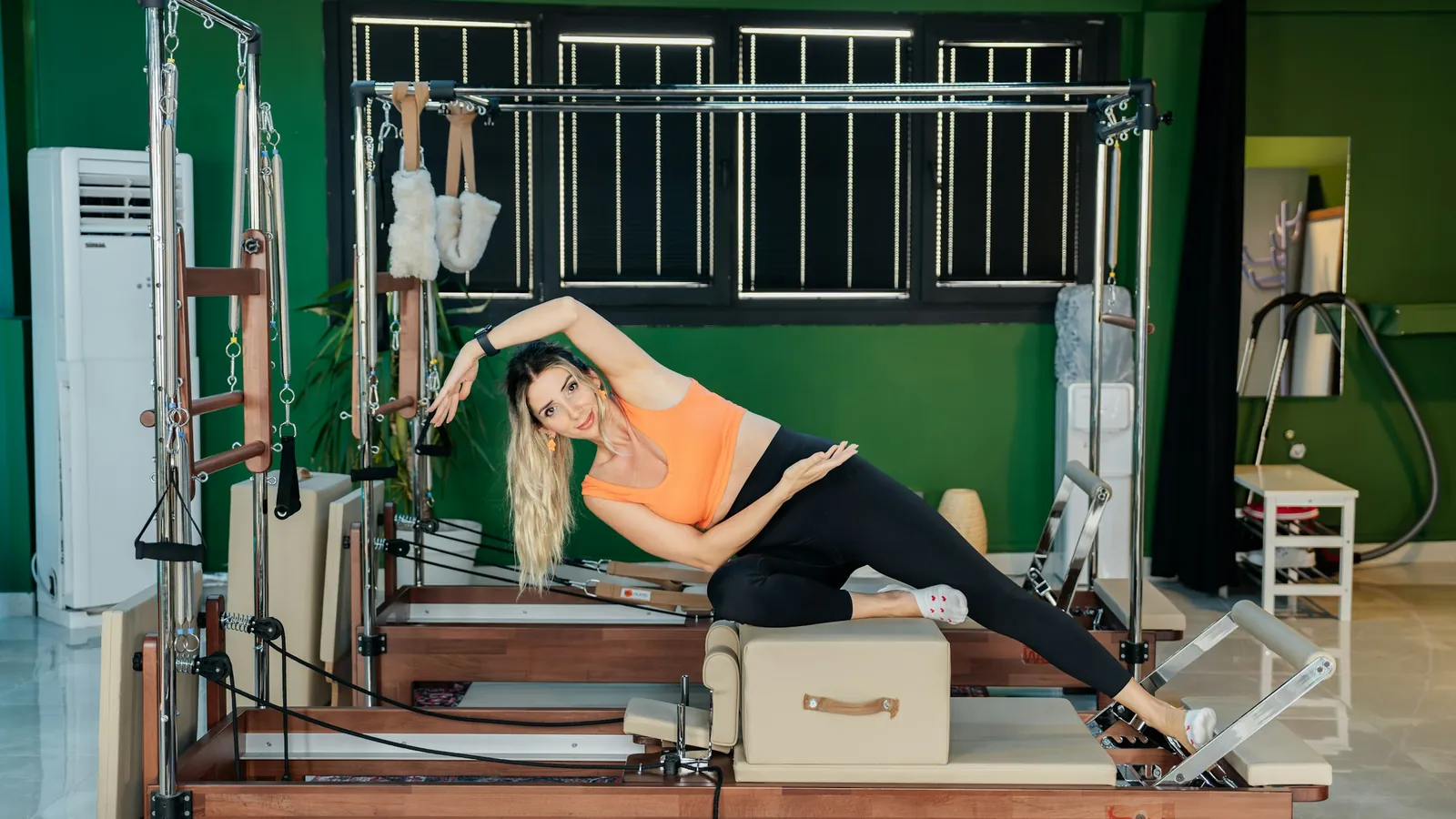
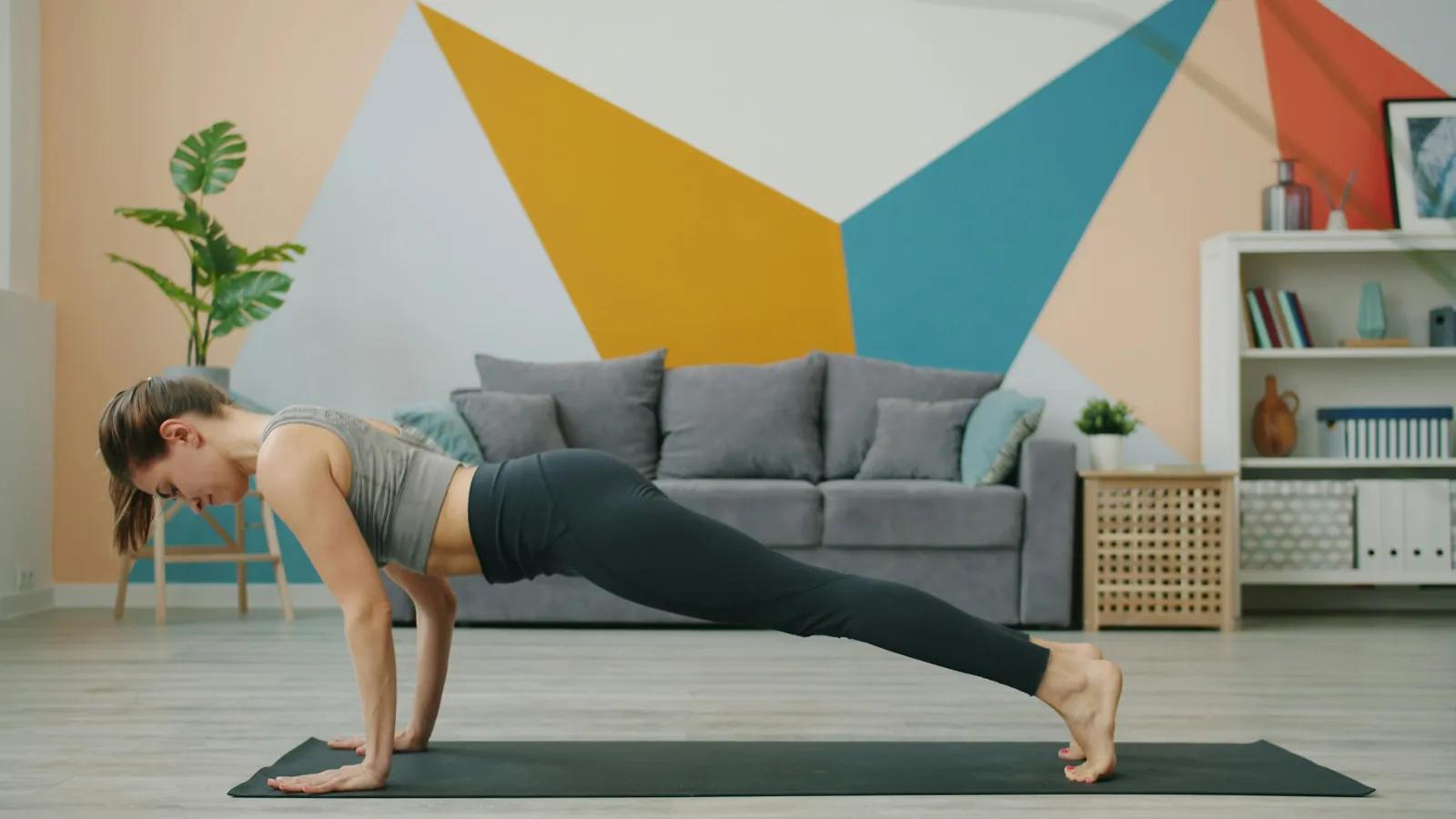
The honest version first. A reformer client trains on equipment worth a few thousand dollars. An online mat client trains on a lounge room floor with a mat, sometimes a band, sometimes a small ball. The exercise you designed for the reformer will not transfer as written, and pretending it will costs you credibility on the first session.
The substitution rule is short: keep the movement intent, swap the equipment. Reformer footwork becomes standing leg work with a band held in both hands. Spring tension becomes band resistance, which is why the resistance angle matters more than the number. The cueing shifts more than the exercise does, because control at the end of a band is different from control against a spring.
The line to say to a client is one sentence: same movement, whatever you have to hand. It is the copy-paste asset of this page, and it works because it is honest. Pair it with a recorded version of the home exercise so the client follows the video they actually own, not the studio demo.
Progression tracking for reformer and mat clients
Progress in Pilates is rarely more load. It is better control, more articulation, and harder regressions of the same movement. The software tracks the evidence of that progress, and the evidence is completion and the check-in, not a heavier pin.
Every client logs their sessions back. The coach sees who trained, who did not, and which exercises fell out of a client's week. The two-question check-in closes the loop: how did the sessions feel, and what felt too easy or too hard. The rhythm of the weekly check-in, and how to run it without making it homework, is covered in our guide to online coaching client check-ins.
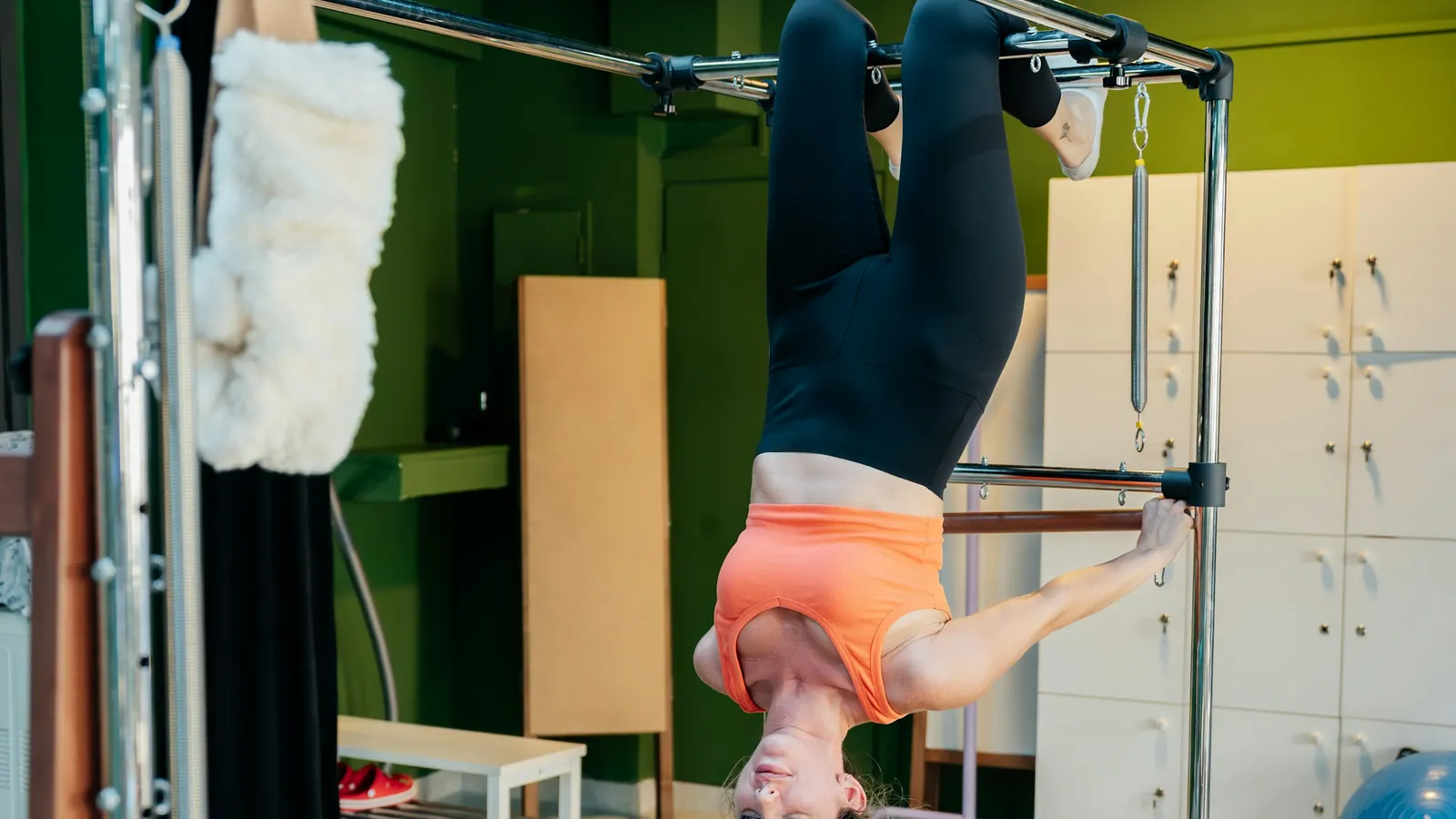
Reformer clients get the same treatment on the apparatus. The program carries the footwork and the spring changes, the logs come back the same way, and the check-in question is identical because the signal is identical. The quiet client who stops logging stands out either way, which is the point of tracking in the first place.
The honest limits: no booking, no class scheduling
Here is the part the all-in-one vendors skip. QuickCoach does not run class bookings or studio scheduling, and no amount of programme building changes that. If you teach a Tuesday reformer class, the timetable still needs its own booking tool, whether that is a studio management platform or a calendar you run yourself.
The boundary is the whole reason this page exists. Coaching software programmes the mat and the home work, tracks adherence, and runs check-ins. It does not run the waitlist for the 9am reformer slot. Our pilates coaching software cost page prices the programming side on that same honest line, and the notes column of the comparison flags exactly where each platform stops short.
A tool that states its limits plainly is easier to build a practice around than one that claims the lot. For the low-tech client who will not open an app at all, Pro's printed plans and branded client app are the bridge, and the full walkthrough is in our guide to the custom branded coaching app.
What clients see: the app as the home studio
Between sessions, the client's phone is the place the programme lives. They open it to find the week's sessions in order, the video cue for each exercise, the tasks you assigned, and the check-in prompt waiting. It replaces the printout on the fridge and the screenshot thread in the message app.
That daily surface is what keeps the sequence alive between your live sessions. The client sees the repertoire building, session by session, which is quietly a progress record of their own. The first-run experience, and the words to use before a client logs in for the first time, are covered in our guide to what clients see in a coaching app.
Frequently Asked Questions
Can I use this for reformer clients?
Yes. Build the program with apparatus exercises where the client has a reformer, and keep a mat version in the same template for the weeks they train at home. The substitution rule keeps the movement intent and swaps the equipment, and progression tracking is the same for both.
Do clients need equipment?
No. Mat Pilates needs a mat and a screen. Where an exercise assumes a reformer, swap to the home-equipment version and tell the client in one line: same movement, whatever you have to hand. Clients with a reformer get the apparatus version.
Can I send video?
Yes. Attach a video cue to any exercise in the program, and the client watches it inside their app before they train. Record the home-equipment version you actually want them to follow, not the studio one.
Published September 2026. The Pilates delivery workflow sits in the coaching guides hub alongside the question hub and the cost-by-roster page. If you are testing online delivery with a mat repertoire, QuickCoach's free tier runs the program builder, templates, video cues and client apps on up to 20 clients with no time limit. Pro is $39 a month, or $32.50 a month on annual billing, with unlimited clients, a branded client app, push notifications and printed plans for the low-tech client. No per-client slider, no forced upgrade.