Most training programs repeat. Different load, same structure. Week 1 upper body push looks a lot like week 2 upper body push. Maybe the sets go up. Maybe the rest periods drop. The skeleton is the same.
Which means every coach who builds from scratch each time is doing more work than they need to. The QuickCoach app has two features that fix this, and together they can cut your program-building time in half. Both are part of the free tier. Both are underused.
This guide walks through both of them. Worth saying upfront: the QuickCoach app runs on a freemium model, so the workflow features in this article are available without paying us a cent. The richer Pro features, including custom branding, a fully custom branded client app, branded workout shares, and the built-in to-do list, sit on top of an already capable free product rather than locking you out of the basics.
Quick answer
To repeat a workout program in QuickCoach, clone an existing plan to copy its structure for the next week or phase, then adjust the loads. For programs you reuse across clients, save a clean template and start each new build from it. Both tools are free.
Tip #1: Clone Plans Instead of Rebuilding From Scratch
When a workout repeats across a program, you do not need to rebuild it every time. The QuickCoach app lets you clone any existing plan and make whatever adjustments are needed. It is almost always faster than starting from a blank page.
When to use it
Cloning is most useful when you are building block-based programs where the exercise selection stays consistent but the loading or volume changes week to week. A four-week strength block where sessions repeat with progressive overload. A cardio program where the structure is identical but the intervals get longer. A mobility series where the format holds and the difficulty climbs.
Rather than recreating 24 sessions individually, you build your three base workouts, clone them across the four weeks, and adjust the numbers for each week. The exercises, the order, the formatting, the cues, all carried over automatically. You only change what actually needs to change.
How cloning works in the QuickCoach app
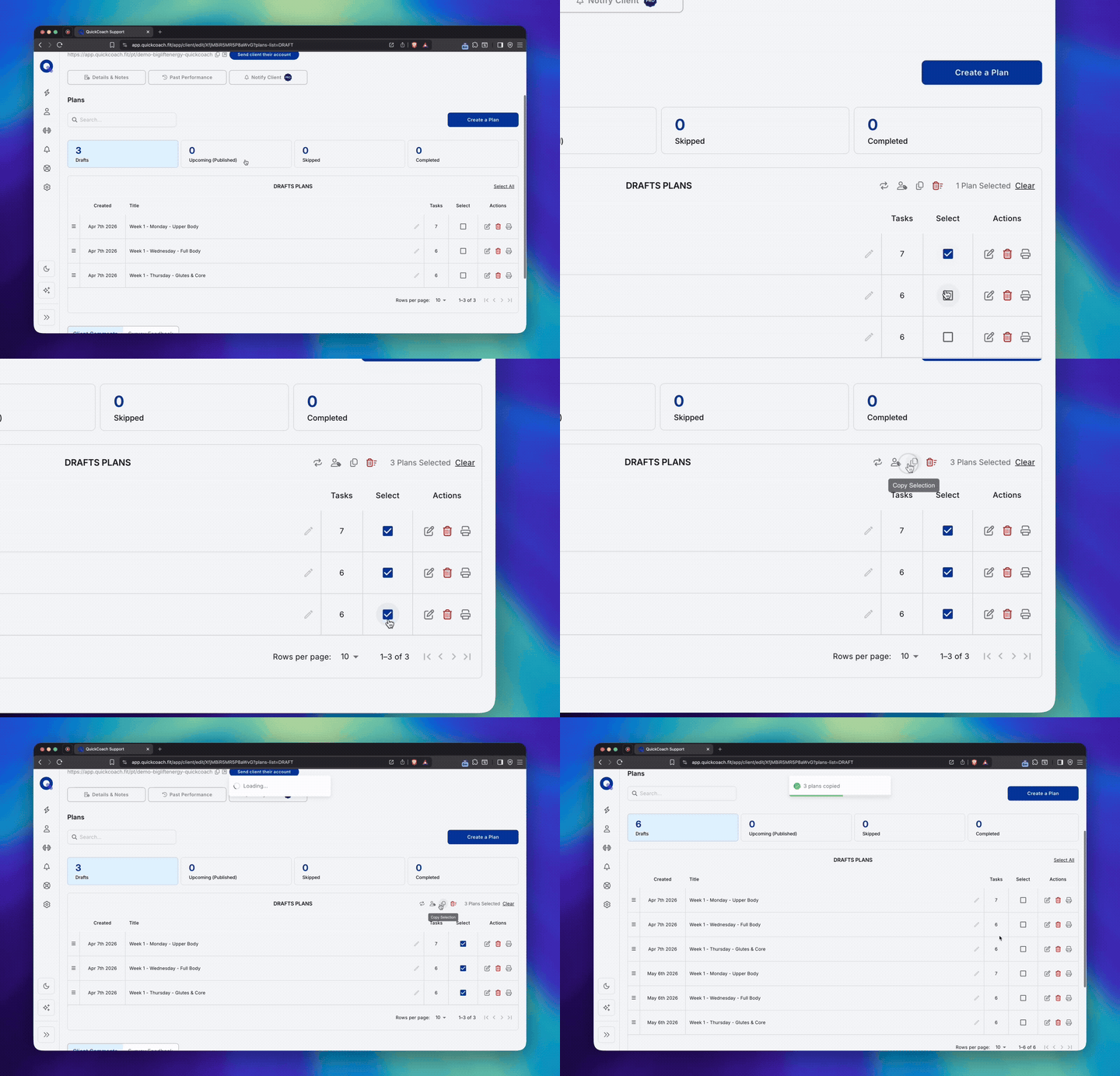
- Open the plan you want to duplicate.
- Use the clone option to create a copy.
- Rename the cloned plan for the new week or phase.
- Make your adjustments. Update sets, reps, load, or notes as needed.
- Assign to your client.
The original plan stays untouched. The clone is your working copy. Repeat for each variation you need.
The time saving in practice
A program with three workouts repeated twice a week for four weeks is 24 sessions. Built from scratch, that is a serious chunk of admin. Built by cloning three base plans and adjusting, it is a fraction of the time, and the quality is identical because the structure is already right. The hour you would have spent retyping exercise names is now an hour back in your week. Multiply that across a roster of clients and the maths gets uncomfortable for any coach still doing it the long way.
Tip #2: Use Templates as Your Program Starting Point
If you build similar programs for different clients, and most coaches do, templates are the single biggest time saver in the QuickCoach app. Instead of cloning from a previous client's plan and risking carrying over the wrong details, you create a clean template once and use it as the starting point every time.
When to use it
Templates work best when you have a signature program structure you return to repeatedly. A 12-week beginner program, say, or a 6-week fat loss block. Any program where the framework is consistent but the details vary by client.
Name those templates for what they deliver rather than for your own filing system, because the client reads the title every time they open the app. Twelve weeks is the duration coaches put in a program name more than any other, and goal words like strength and foundations lead the whole vocabulary, which we counted across the platform in the naming report. A template called "12-Week Foundations" can be handed to the next twenty clients. One called after a single client cannot.
Build the template with the general structure: session format, exercise categories, the progression logic underneath them. Leave the specifics blank or as placeholders. Every time you start a new program for a new client, you are not starting from zero. You are starting from a structure that already works.
How templates work in the QuickCoach app
- Build your program structure as you normally would.
- Save it as a template instead of assigning it directly.
- When starting a new program, select the template as your starting point.
- Customise for the specific client. Swap exercises, adjust loads, personalise notes.
- Assign when ready.
The template stays intact for the next time. Your starting point is always clean. There is no risk of accidentally carrying a previous client's notes, weights, or injury cues into a new program, which is the most common downside of duplicating an old plan in your head and forgetting what was personalised.
Templates and Cloning Work Well Together
The two features are not alternatives. They solve different parts of the same problem.
Use a template to set up the block structure, then clone individual sessions within that block to handle the week-to-week progression. The template gets you to the right starting point. Cloning gets you through the variations quickly. Together, they handle most of the mechanical work of program building so you can focus on the coaching decisions that actually need your judgement, which, as we wrote in what we have learned from the online coaching community, is what actually drives client retention. The same pair scales to a whole squad: build the block once, clone it per athlete, and let the individual tweaks live in each athlete's copy, the workflow we walk through in coaching a squad online.
Both Features Are Free. That's Not an Accident.
QuickCoach has always been built around a freemium model. The core program builder, the client app, plan cloning, templates, exercise library, and client management are all included on the free tier, which supports up to 20 active clients with no time limit. There is no cap on the programs, templates or tasks you build inside it. A coach with 5 clients and a coach with 50 use the same builder, the same cloning and the same templates; the difference between the tiers is roster size and branding, not the tools you write programs with.
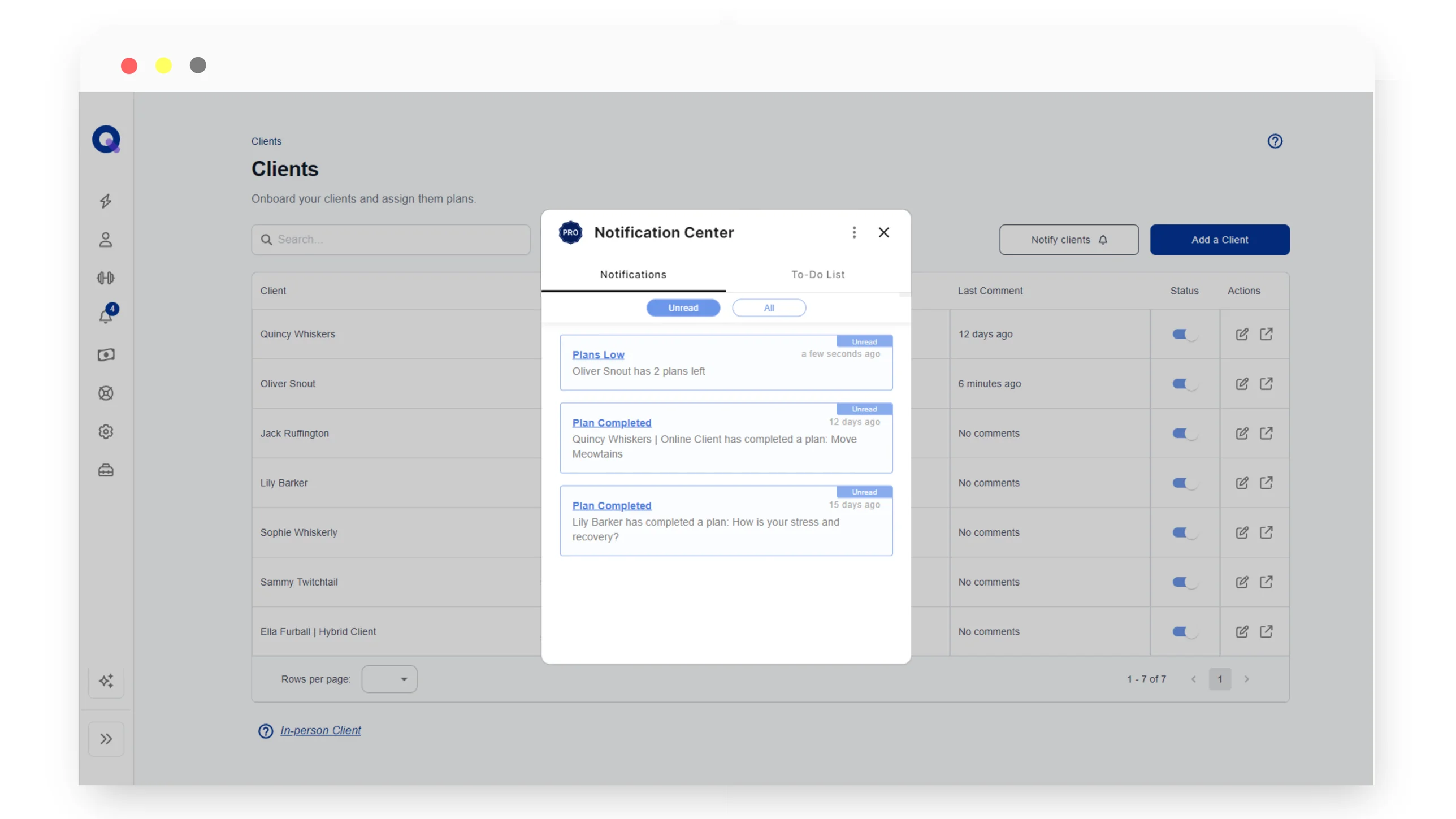
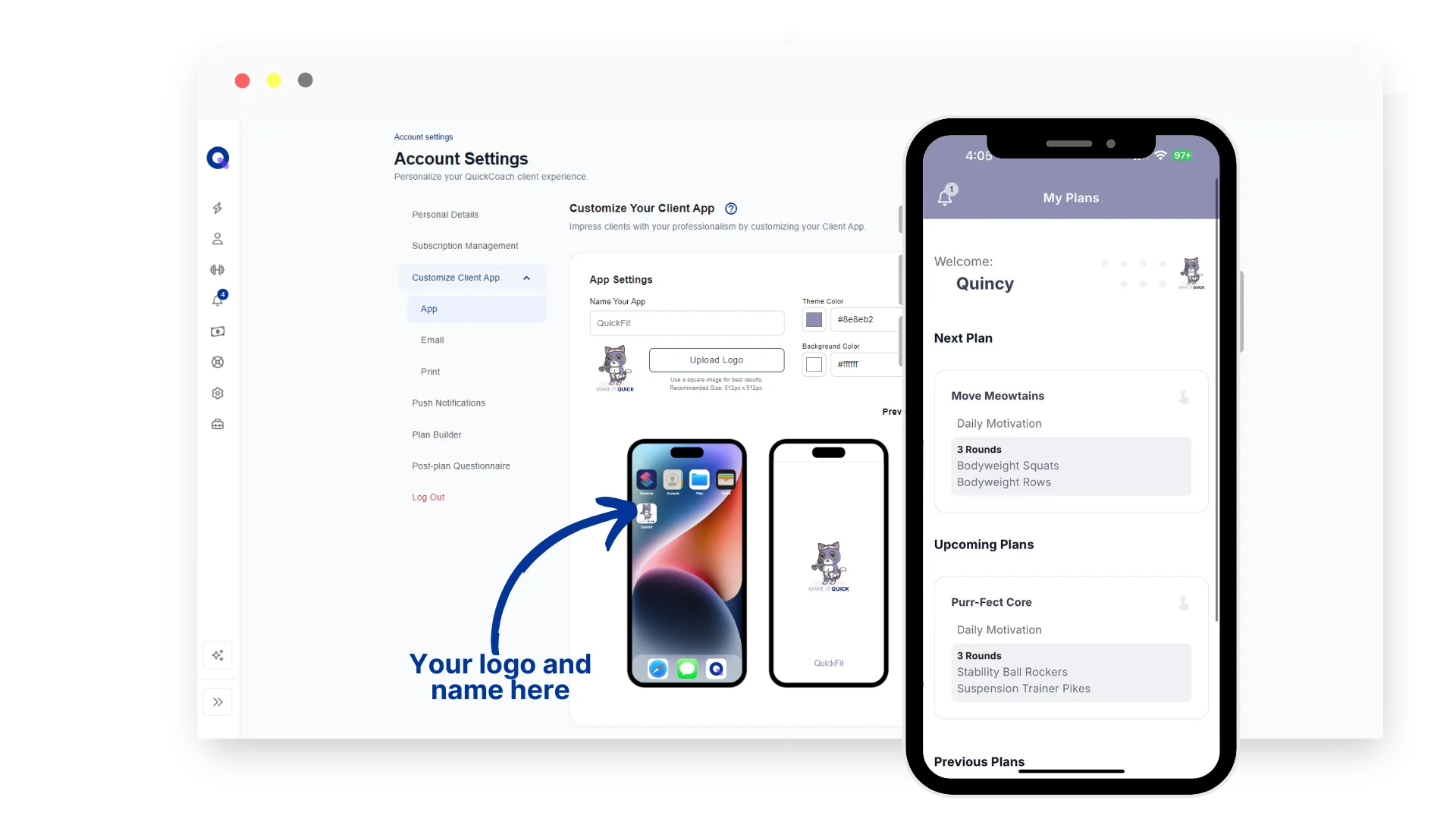
Pro adds the things that scale a coaching brand rather than the things that run a coaching session. A fully branded client app with your logo and colours. Branded workout shares that turn every completed session into marketing. Branded client emails. The built-in coach to-do list. Client activity notifications. The full breakdown of Pro features and pricing is here if you want to see what sits on which tier.
The point is that the time-saving features in this post are not behind a paywall. We would rather you build faster, retain better, and grow into the Pro tier when your business is ready, than gate the basics and lose you to a competitor in week one. The product strategy is one of the reasons QuickCoach is part of Hale Health today, alongside our other coaching platform FitFocus for businesses with bigger operational needs. The full backstory on the QuickCoach acquisition is in why we acquired QuickCoach in December 2025.
Frequently Asked Questions
Is the clone plan feature in the QuickCoach app free?
Yes. Cloning plans is available to every coach on the QuickCoach app, on both the free and Pro tiers. There is no usage cap on how many plans you can clone.
Are workout templates available on the free QuickCoach plan?
Yes. Templates are part of the core QuickCoach app and available on the free tier. You can build, save, and reuse as many program templates as you want without upgrading.
What is the difference between cloning a plan and using a template in QuickCoach?
Cloning duplicates a specific existing plan, including any client details already inside it, so it is best for repeating sessions inside one program. A template is a clean reusable starting point with no client data attached, designed to be used across many different clients.
How much time can templates and cloning save when building coaching programs?
Most coaches who use both features cut their program-building time by more than half. A four-week block with three workouts repeating twice a week, built from scratch, can take a couple of hours. Built from a template with cloning, it usually takes well under thirty minutes.
Both of these features are available to all coaches on the QuickCoach app, free or paid. If you have not used them yet, they are worth five minutes of exploration. The time saving compounds quickly across a full client roster. For the strategy that sits behind the buttons, matching clients to templates and building progression blocks so the whole library compounds, see our longer guide on how to write workout programs for clients faster without cutting corners. The same library is the first thing you build when you move clients into coaching software in a weekend, so the setup pays back whether you are building one program or migrating a whole roster.
More coaching guides dropping regularly on the QuickCoach blog. If you are still weighing up tools, our breakdown of the best free coaching software in 2026 shows how the free builder compares across platforms. Questions, feature requests, or tips of your own you want us to cover: support@quickcoach.fit.